
Queries
A query is a question people ask an AI system. The platform asks these questions on your behalf, collects the answers and shows where and how your brand is mentioned.
What is a query?
A query is an everyday question someone might ask ChatGPT, Alice or another AI system, such as “best breakfast delivery in Moscow” or “Coffeemania or Shokoladnitsa”. The platform sends these questions to AI systems and saves their answers.
The answers power your analytics: whether your brand is mentioned, the sentiment, which competitors appear alongside it and which websites the AI cites.
The “Queries” section
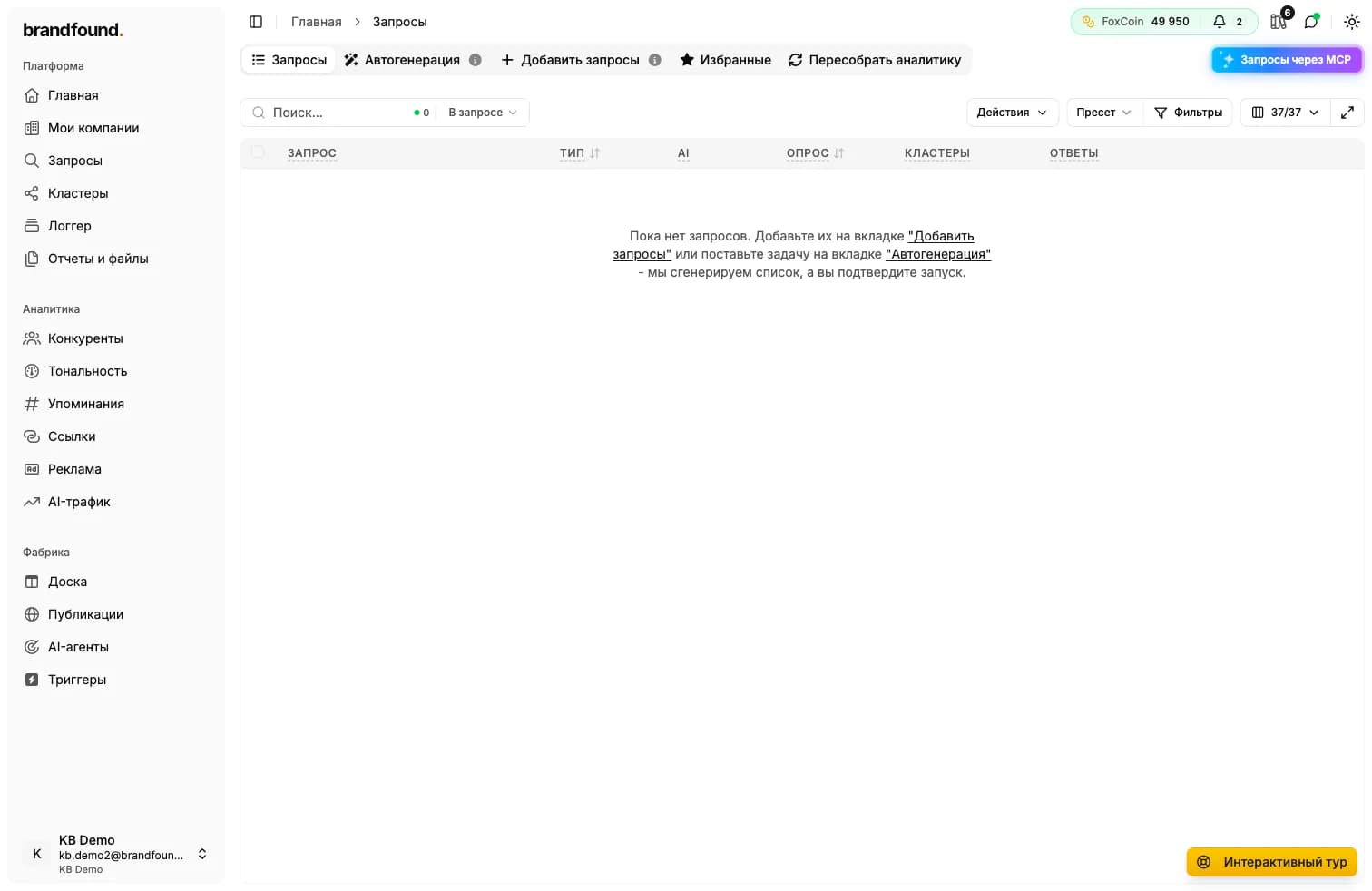
All queries are in the “Queries” section. At the top are these tabs:
- Queries - your full query list and results.
- Auto-generation - the platform suggests queries for your niche.
- Add queries - enter your own queries or upload a list.
- Favorites - queries checked regularly on a schedule.
- Rebuild analytics - recalculate metrics using answers already collected.
What the table shows
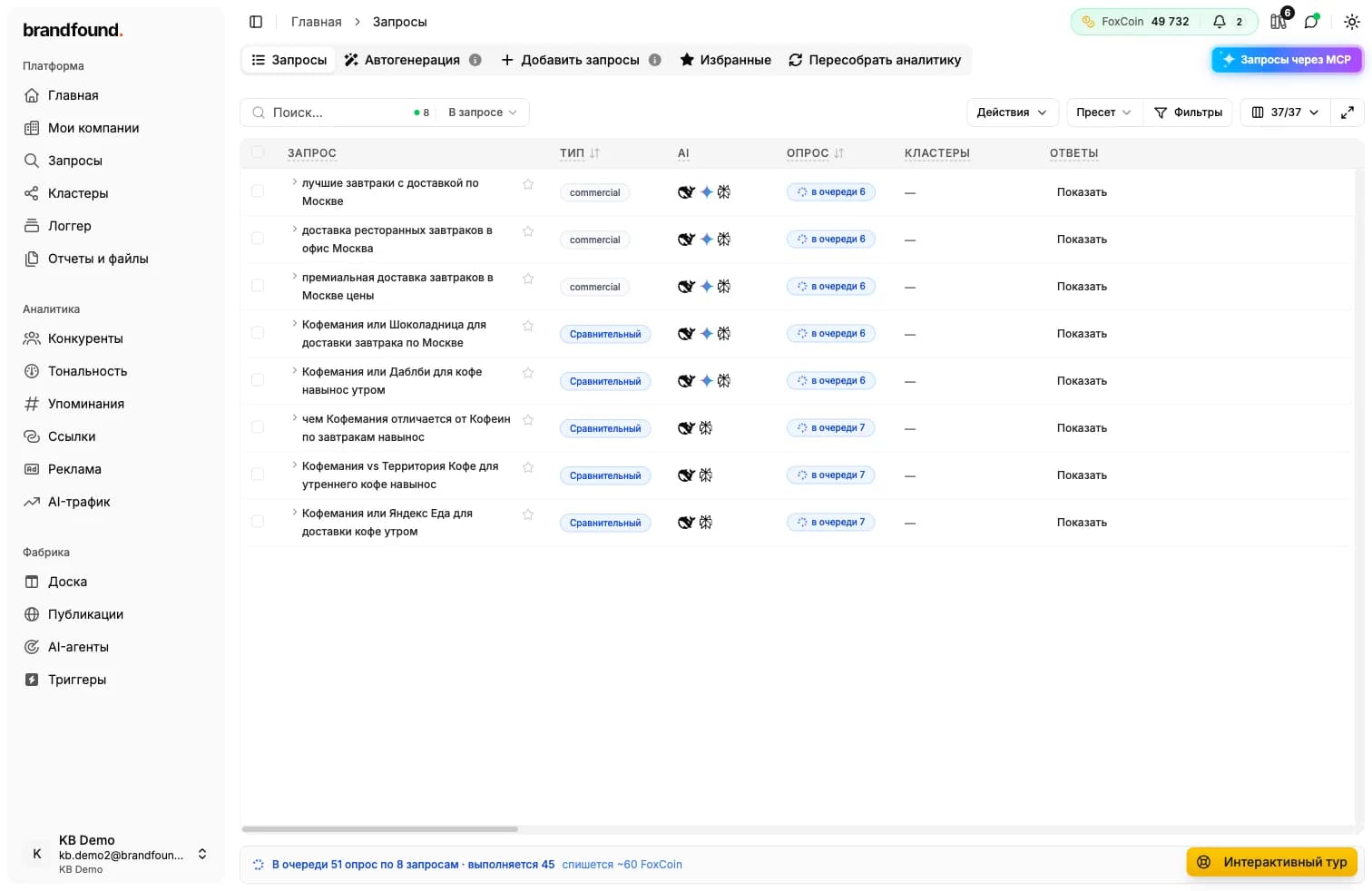
Once you have queries, each row shows the essentials:
- Query - the question text.
- Type - the kind of question, such as commercial or comparative.
- AI systems - icons of the AI systems that received the query.
- Run - status: queued or complete.
- Answers - a button to open the AI systems’ exact answers.
How to add queries
There are two methods, and you can combine them:
- Auto-generation - the platform suggests queries for your niche for a quick start.
- Manually or as a list - add your own wording or upload a prepared list from a file.
Each method has its own guide.
Runs and pricing
Sending a query to AI systems is called a run. Its status is “queued” while processing and “complete” once answers have been collected.
Runs and pricing
Continue reading
Didn't find what you need?
Drop us a line - we usually reply within a few hours on weekdays.