
Brand card
The brand card contains notes the platform uses to generate queries and prepare content. The more complete the card, the more accurate the result.
What is it?
A brand card stores free-form knowledge about your brand: what the company does, how to describe it, its competitors and important facts. The platform reads these notes whenever it generates queries for your niche or prepares an article.
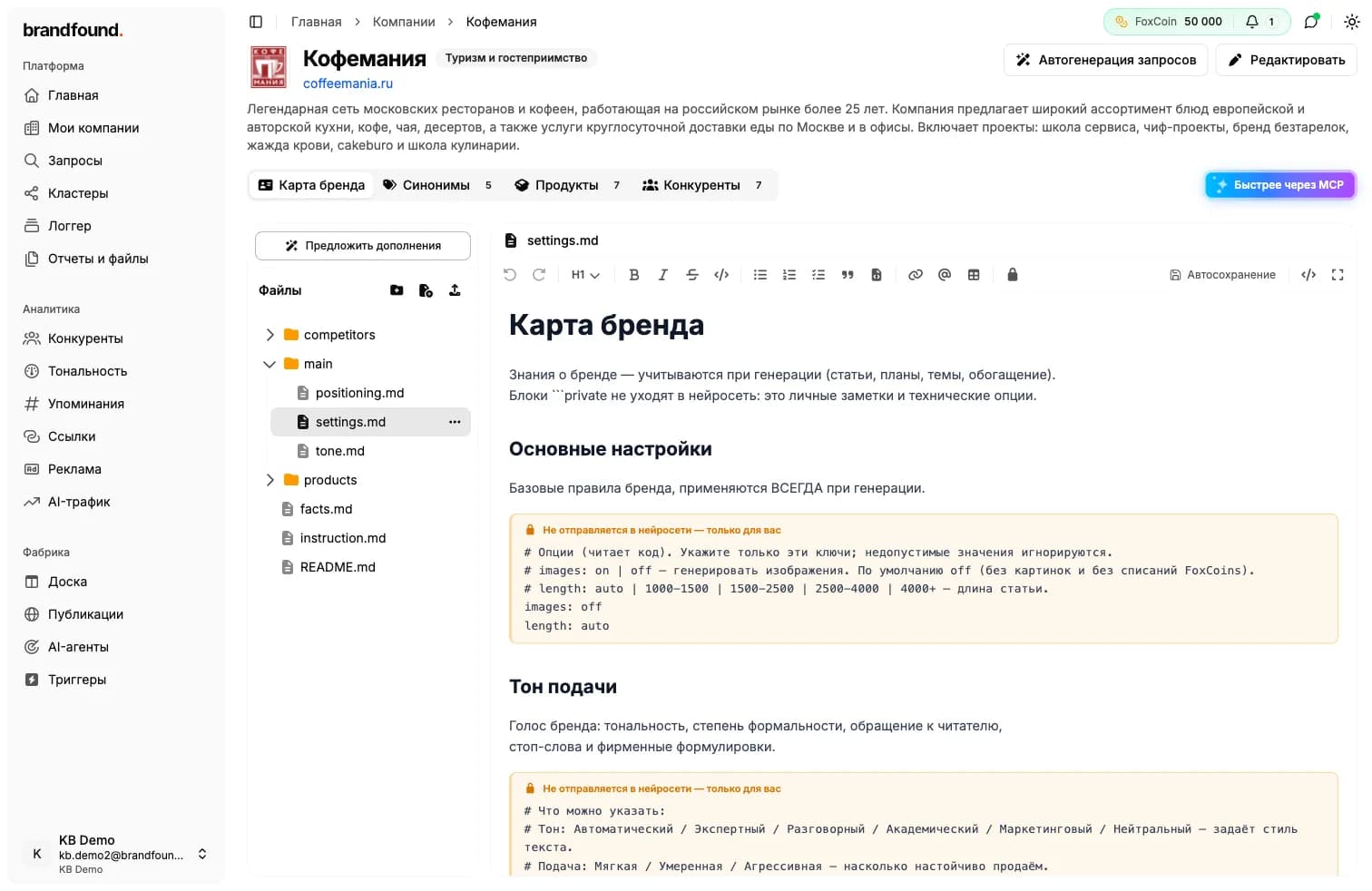
Find it on the company page under “Brand card”. It looks like a document folder, with a file list on the left and a familiar notes editor on the right.
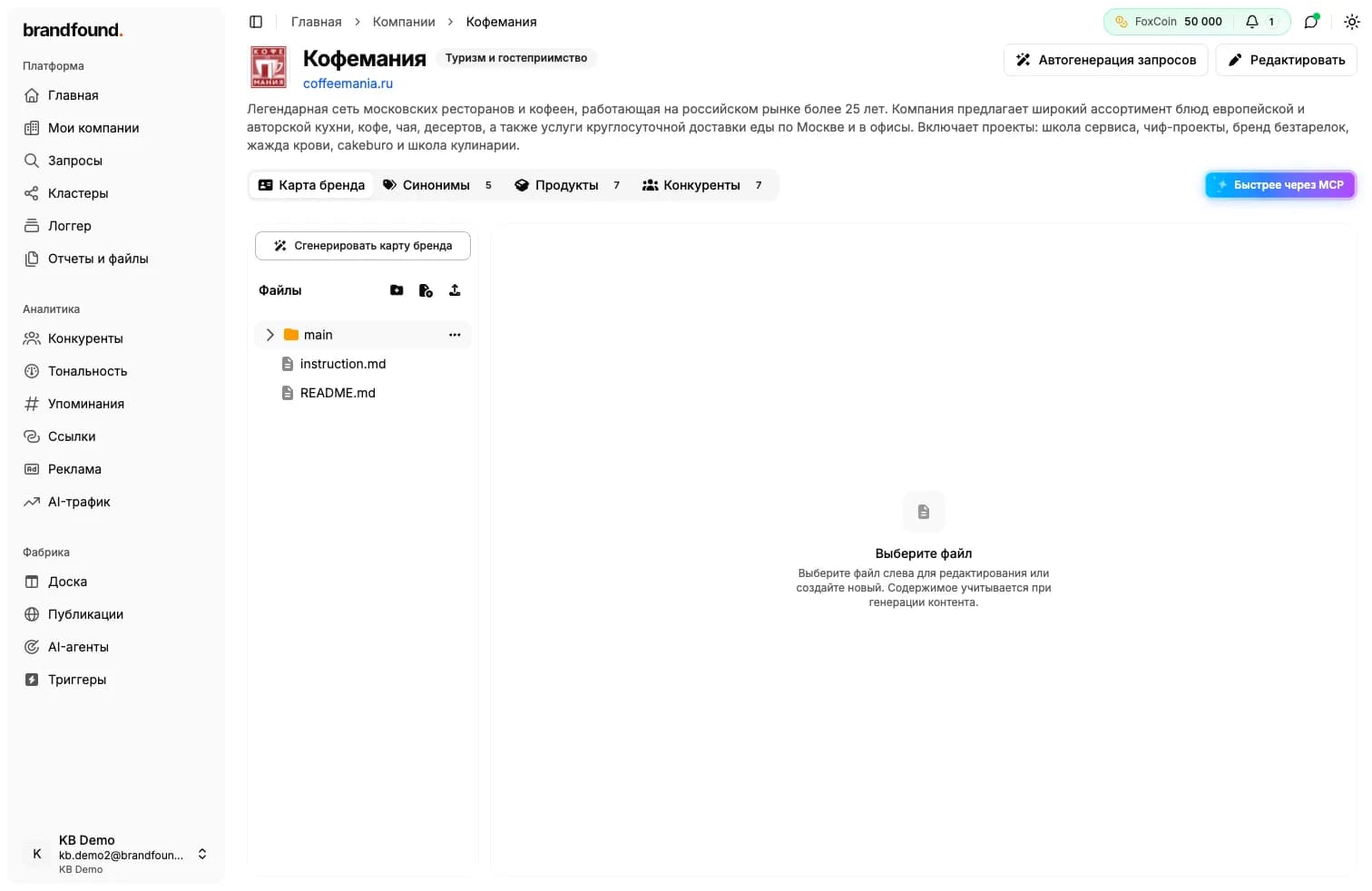
What the card contains
The card contains several files, each with a specific role:
- Main file (settings.md) - the core document covering brand voice, facts, competitors and geography. This file is sent to the AI system during generation.
- Instructions (instruction.md) - a short map of where everything is stored. The platform reads it first to understand the structure.
- README - a guide for you on using the card. It is not sent anywhere.
You can add your own files and folders, such as separate documents for products or competitors.
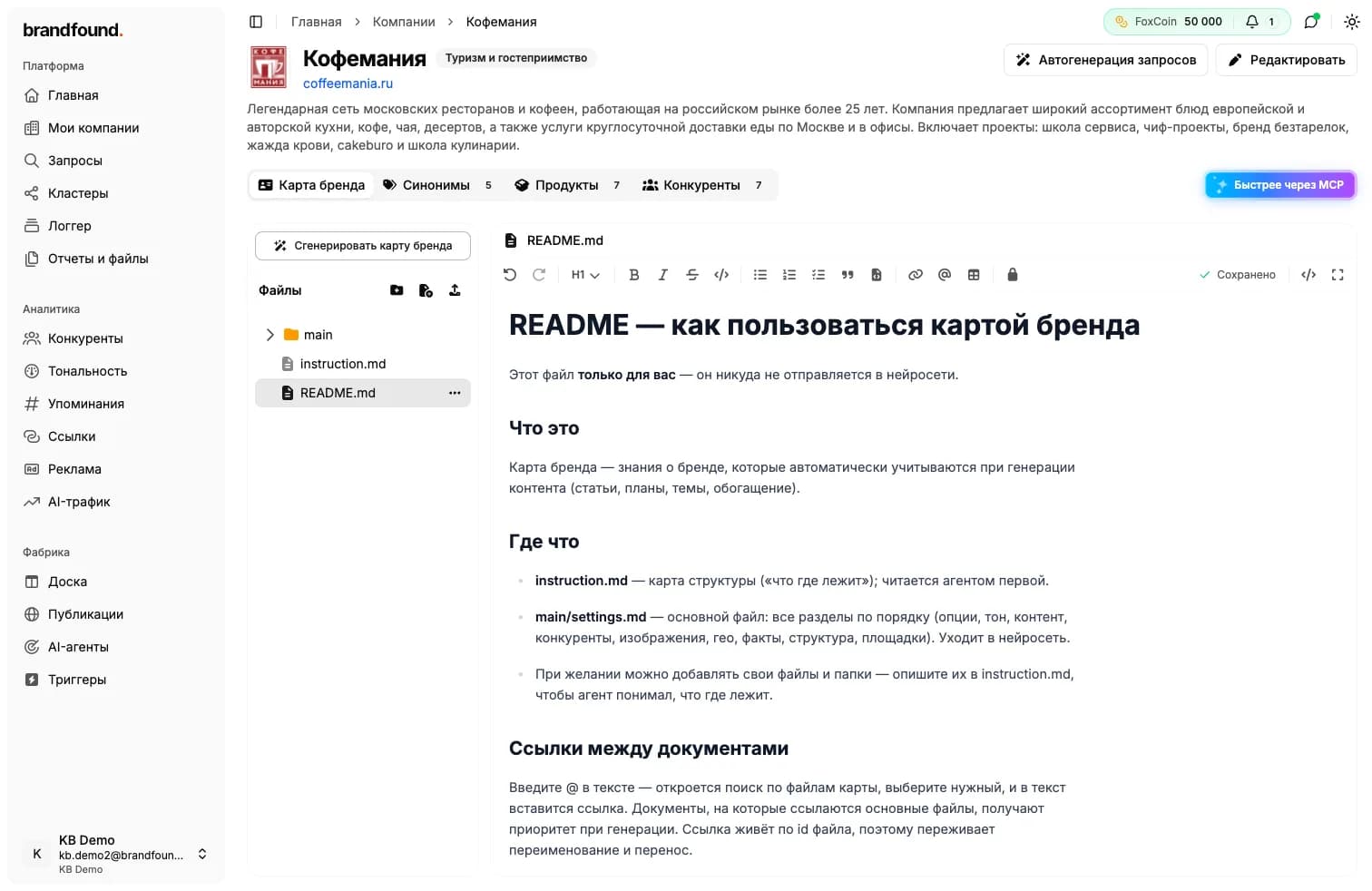
What is sent to AI and what stays private
Not everything in the card is sent to AI. Some content is only for you:
- regular text contains brand knowledge and is sent to AI during generation;
- private blocks and the README file remain for your use only. They are useful for personal notes and technical settings.
What is sent to AI and what stays private
How to fill in the card
The quickest method is automatic generation. Click “Generate brand card”, optionally add instructions such as “focus on delivery and breakfast”, and the platform builds the card structure from your website and company data. This is a paid action; the cost appears before you start.
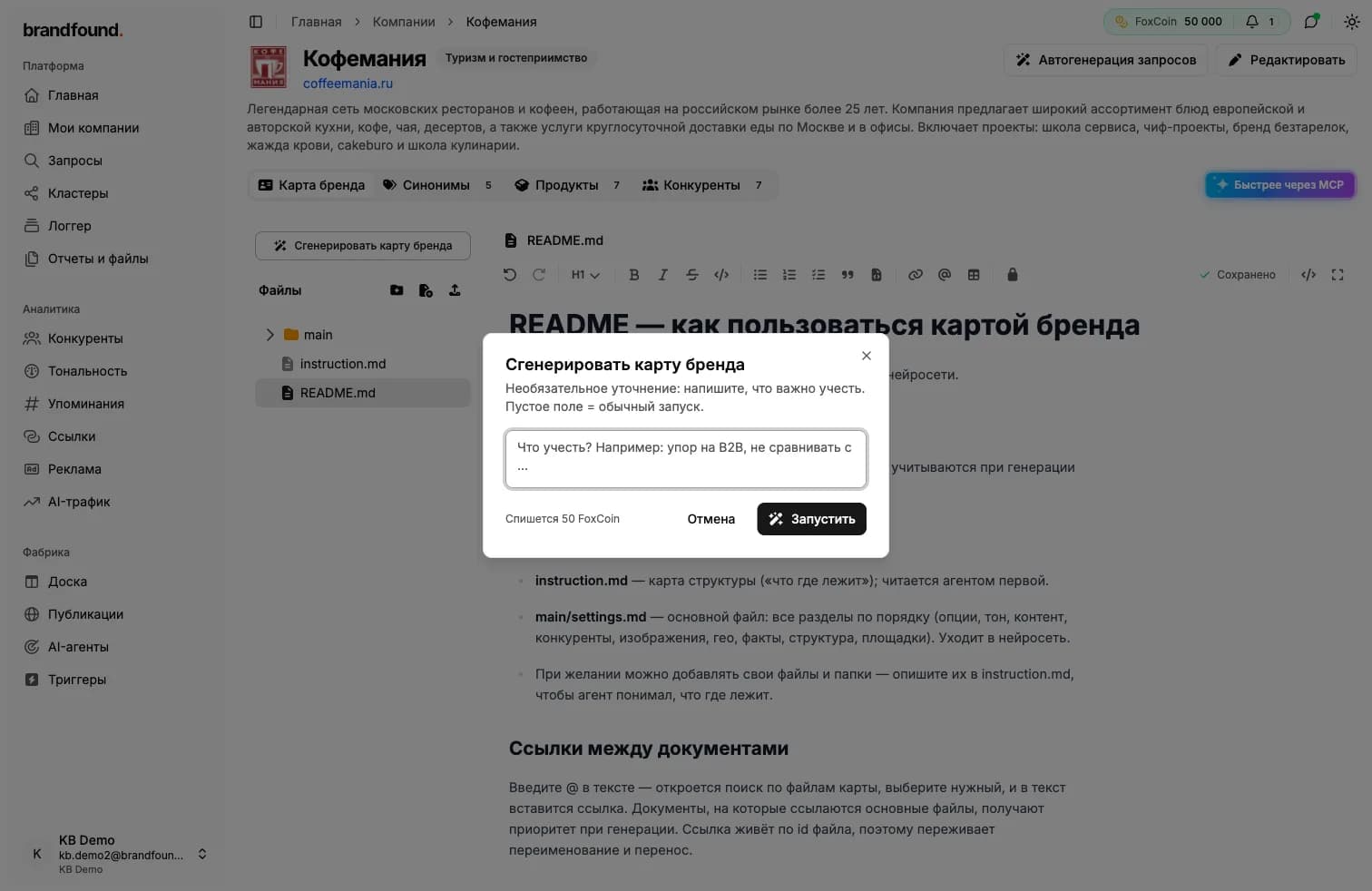
Then edit the card directly: change text, add facts and apply formatting. Once the card is populated, the button offers “Suggest additions”, and the platform recommends what else to include.
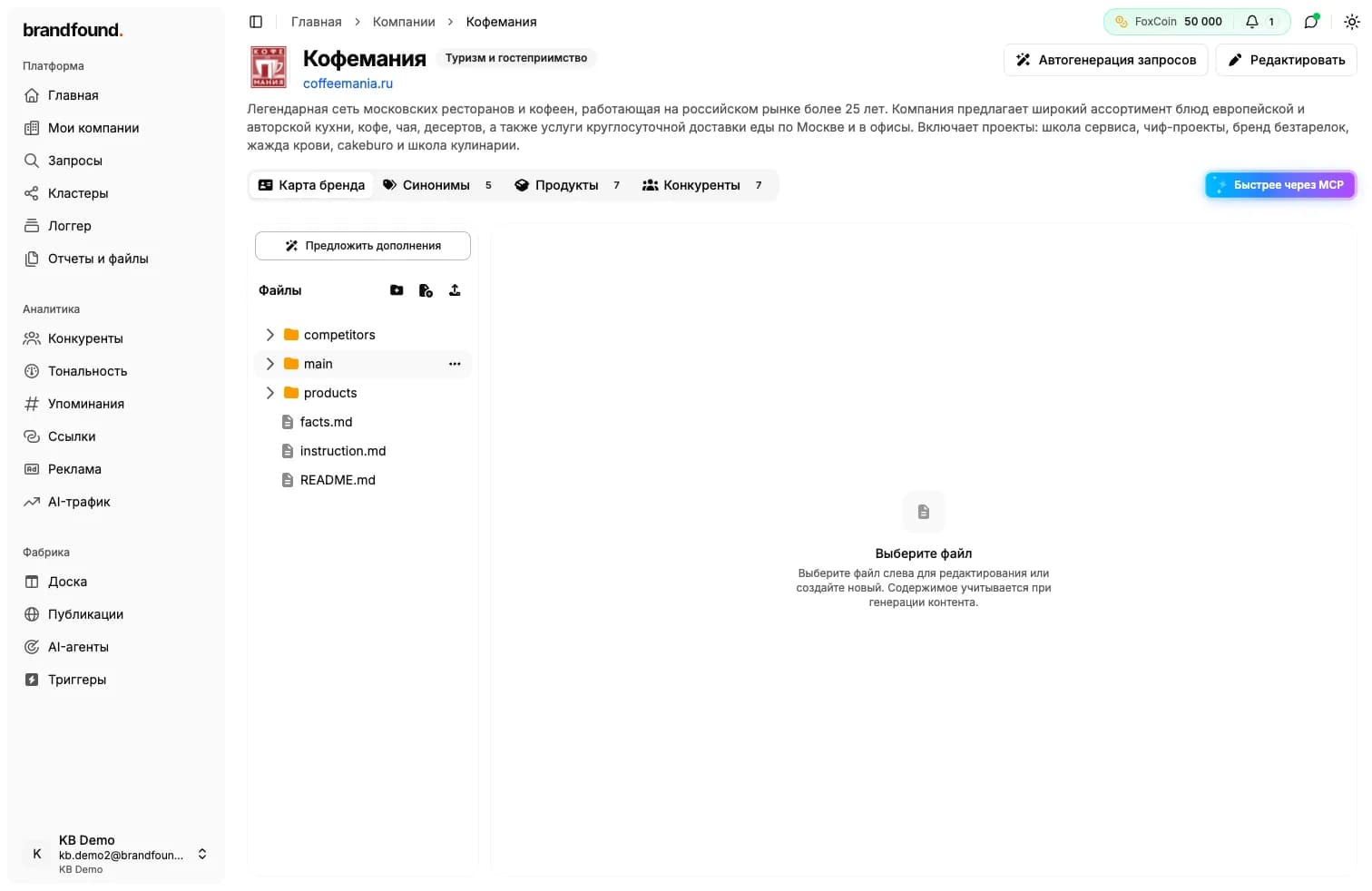
Where the card is used
The card is used in two places:
- query auto-generation: the platform uses it to create questions more relevant to your brand;
- content preparation: articles and materials better reflect your brand and facts.
The more complete and accurate the brand card, the better the generated results. Fill it in when you first start using the platform.
Continue reading
Didn't find what you need?
Drop us a line - we usually reply within a few hours on weekdays.