

Как устроены триггеры
Правило состоит из двух частей: события и действия. Событие это то, что случилось с карточкой (например, добавили публикацию). Действие это то, что нужно сделать в ответ (например, перенести в столбец «Готово»).
Сейчас все доступные действия сводятся к одному: перенести карточку в выбранный столбец. Этого достаточно, чтобы автоматизировать почти весь жизненный цикл задачи.
На какие события можно реагировать
Доступны пять типов событий:
- Карточка создана. Появилась новая карточка на доске. Удобно, чтобы свежие идеи от агентов сразу падали не в «Идею», а, например, сразу в «Бэклог».
- Бриф готов. Контент-план сгенерирован и сохранён. Хорошее место, чтобы автоматически перенести карточку в «К работе».
- Контент готов. Текст материала сгенерирован или загружен. Триггер может отправить карточку в «Ревью».
- Карточка отправлена на ревью. Кто-то вручную пометил карточку как требующую проверки. Можно настроить уведомление коллегам через интеграции (отдельно от триггеров).
- Публикация добавлена. К карточке привязали ссылку на размещённый материал. Логичное действие: перенести в «Готово».
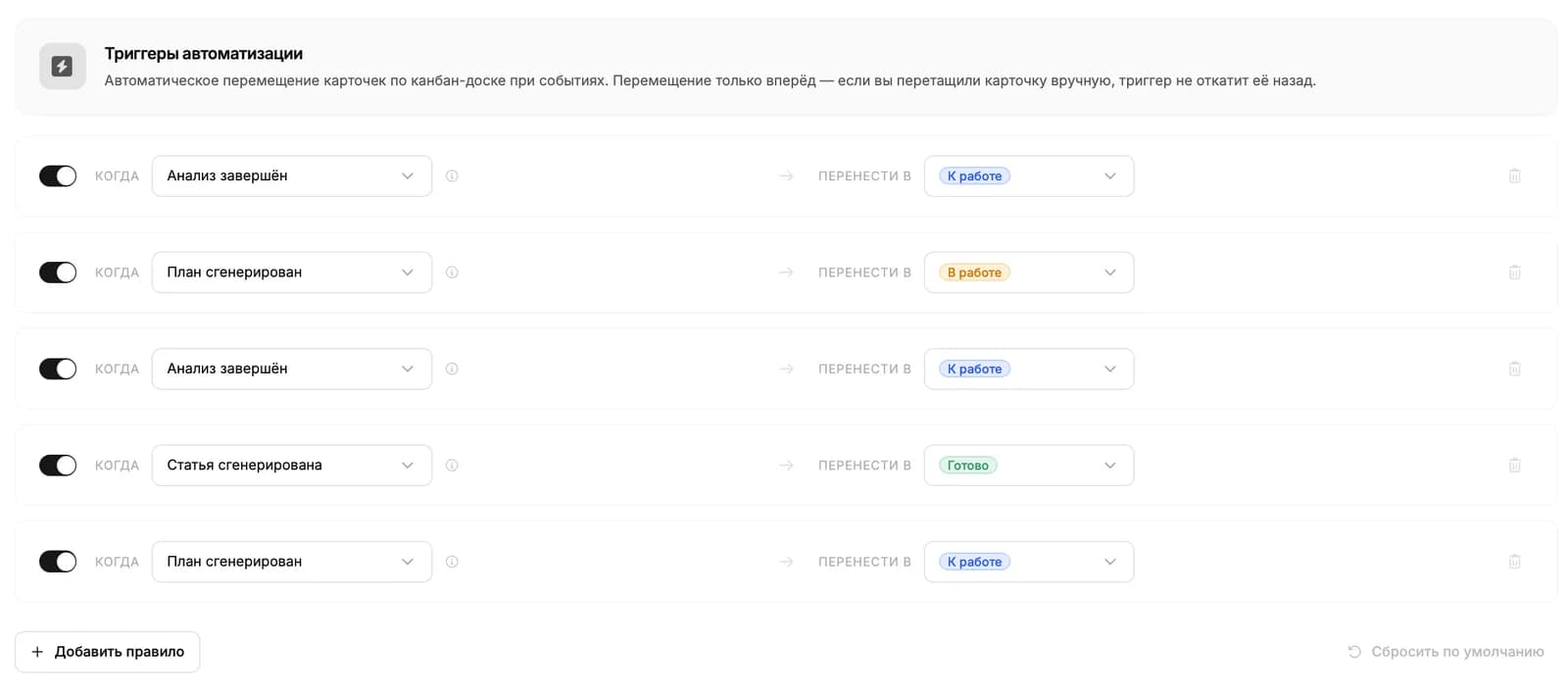
Примеры готовых правил
Несколько частых сценариев, которые имеет смысл настроить сразу:
- «Когда добавлена публикация, перенести в столбец Готово». Доска сама закрывает задачу, как только статья вышла.
- «Когда готов контент, перенести в Ревью». Освобождает автора от лишнего шага: написал и доска сама запросила проверку.
- «Когда создана карточка, перенести в Бэклог». Идеи от агентов накапливаются в очереди, не загромождая столбец «Идея».
Дальше читать
Не нашли ответ?
Напишите нам - отвечаем по будням в течение нескольких часов.