

Как устроена аналитика
Каждый ваш запрос уходит в нейросеть и возвращается с ответом. Дальше система проходит по тексту ответа и ищет упоминания вашего бренда и конкурентов, а также их синонимов. На основе этих упоминаний строится вся аналитика: тональность, доля упоминаний, источники, сравнение с конкурентами.
Получается, точность аналитики напрямую зависит от того, насколько правильно у вас заполнена структура компании и конкурентов на момент анализа.
Когда нужен реиндекс
- Добавили нового конкурента и хотите увидеть его в аналитике по уже накопленным ответам.
- Добавили или поправили синонимы компании или конкурентов.
- Заметили неточности в данных, например пропущенные упоминания.
- Обновили общие настройки анализа и хотите применить их к старым ответам.
Как запустить
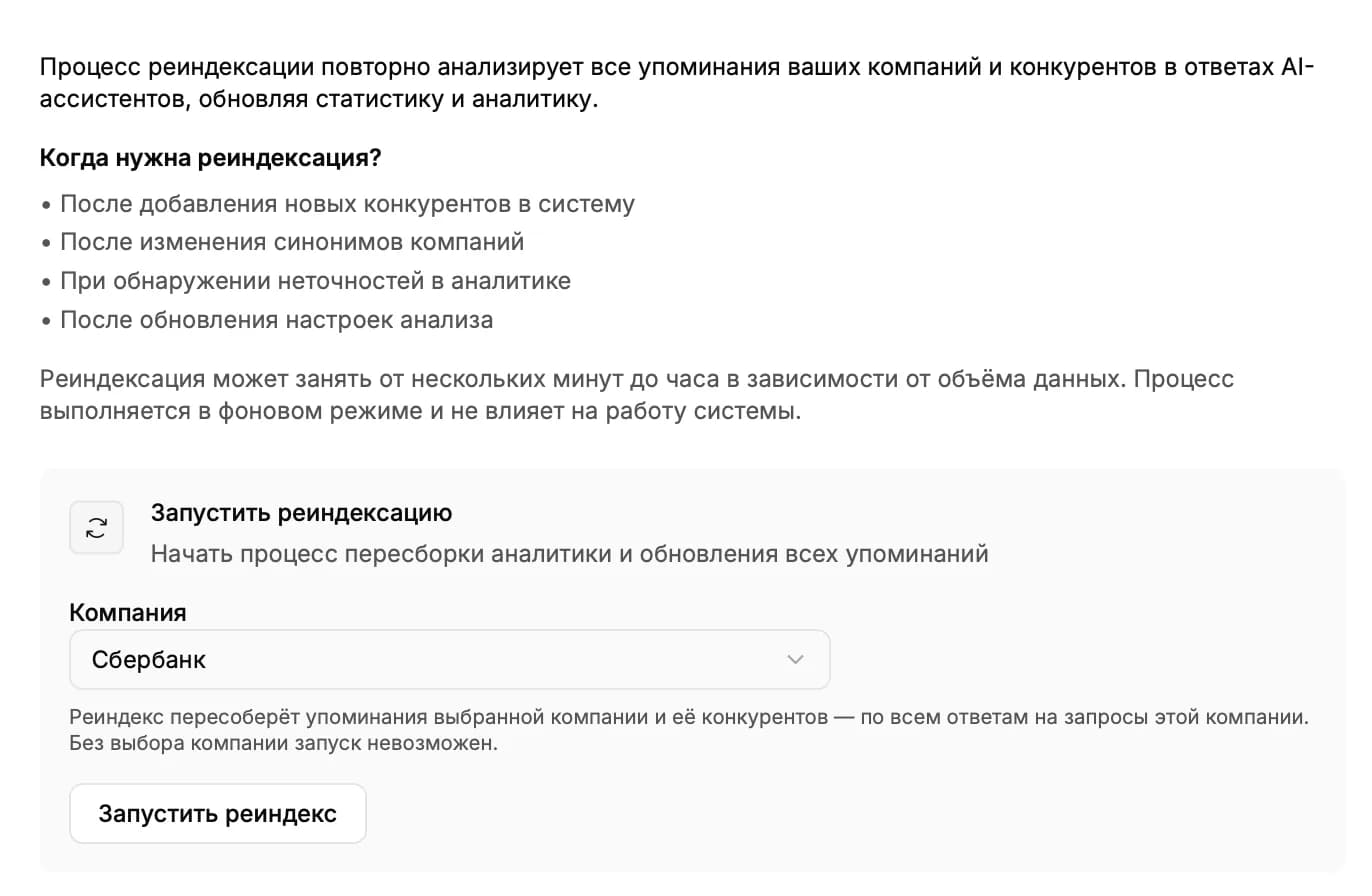
Откройте раздел «Запросы» → вкладку «Реиндекс». Вы увидите блок «Запустить реиндексацию» с выпадающим списком компаний.
- Выберите компанию, по которой хотите пересобрать аналитику.
- Нажмите «Запустить реиндекс».
- Подтвердите действие в открывшемся окне «Запустить реиндексацию?». Старые упоминания будут удалены и созданы заново на основе текущей структуры компании.
Что происходит в фоне
Реиндекс работает в фоне и не мешает остальной работе с системой. По объёму данных может занять от нескольких секунд до часа. Запросы и ответы не удаляются, обновляется только аналитический слой: упоминания, источники, тональность, сравнение с конкурентами.
Дальше читать
Не нашли ответ?
Напишите нам - отвечаем по будням в течение нескольких часов.