Command Palette

Search for a command to run...

Auto-generation

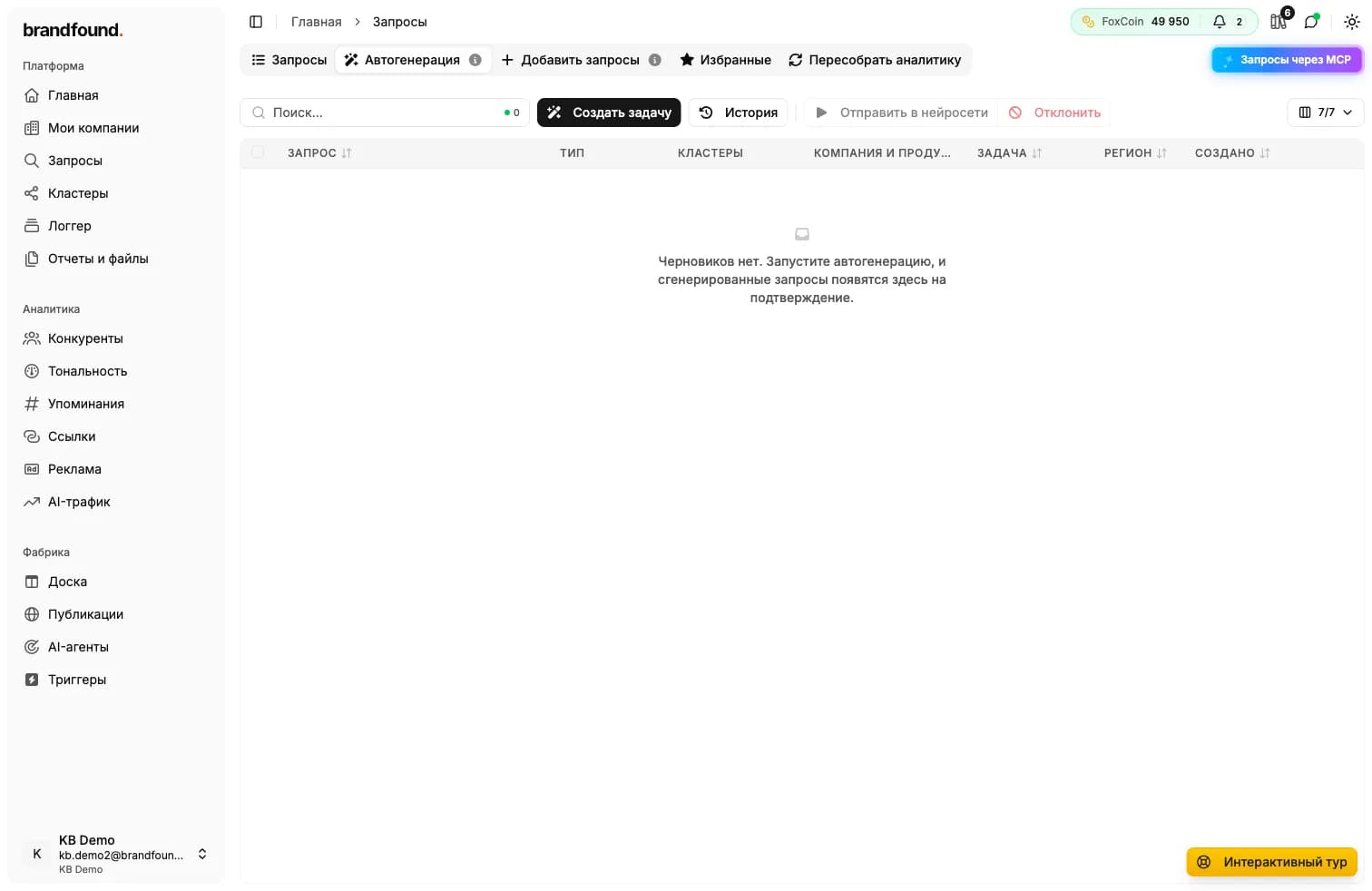
Auto-generation creates queries to AI services for you based on the company structure. You set up providers, query types and daily limit, the system does the rest.

What is auto-generation

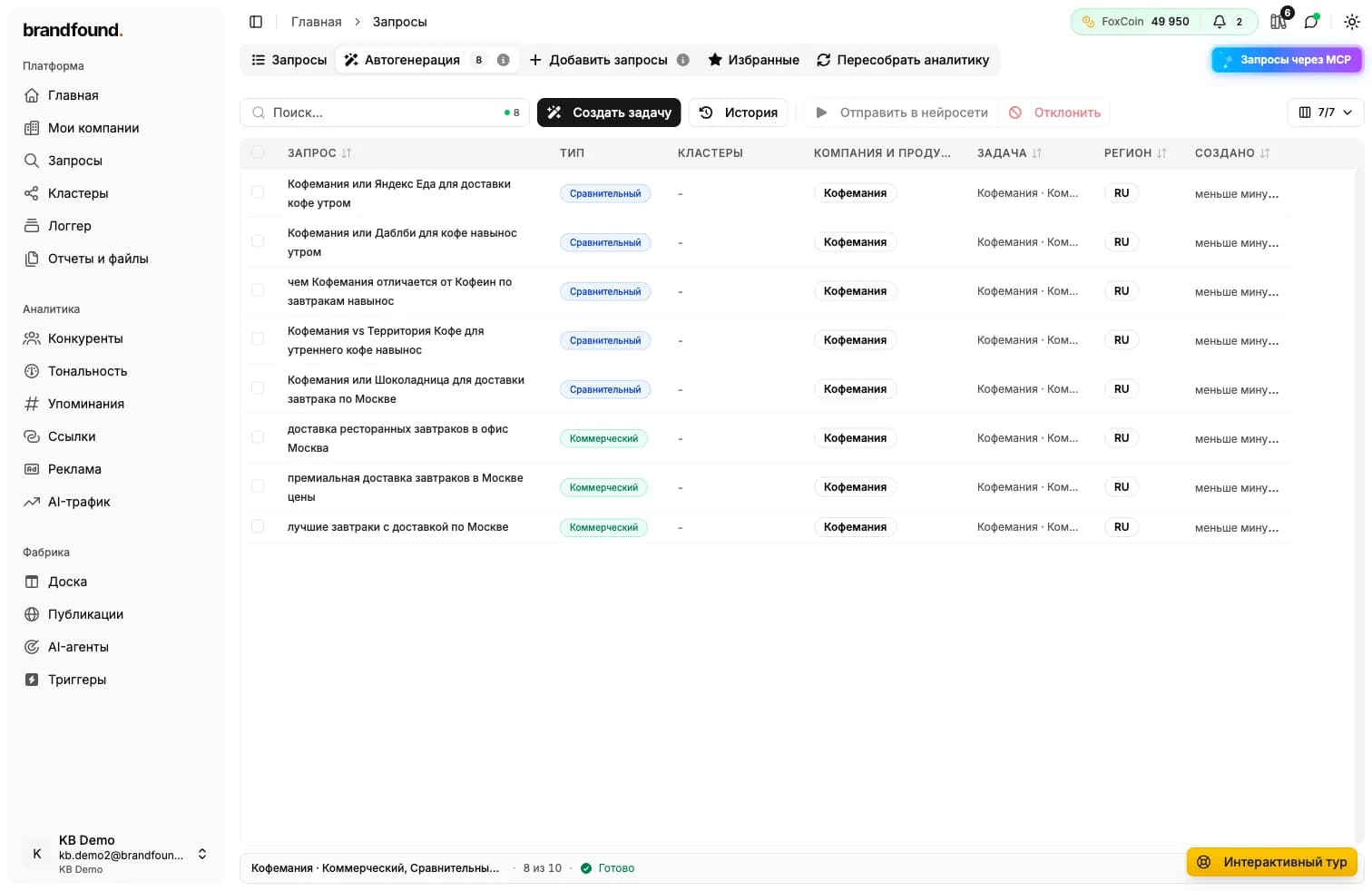
Auto-generation is a mode where the system formulates queries for you, dispatches them to AI services and stores responses for analytics. Queries are generated from the company structure: name, description, products, competitors and intents.

Wording is produced by our own model LLM CONTEXT. It generates queries that look like real user questions, the way a real person would ask AI without knowing about your brand. We call such queries synthetic.

Why you need it

To see how AI views your market without prompting. If a user asks for the best CRM for small business, AI may name five brands and you may not be among them. Auto-generation asks such questions every day and shows who AI mentions in your niche.

Useful while you're still building your own analytics query base. The model will ask dozens or hundreds of phrasings your customers might use. If the company has products, queries are automatically distributed among them, so in analytics you can look at what happens around each product separately.

How to set up

Auto-generation has three tabs: AI services, Query types and Limits. They answer three questions: where to send queries, what queries to create and how many per day.

AI services

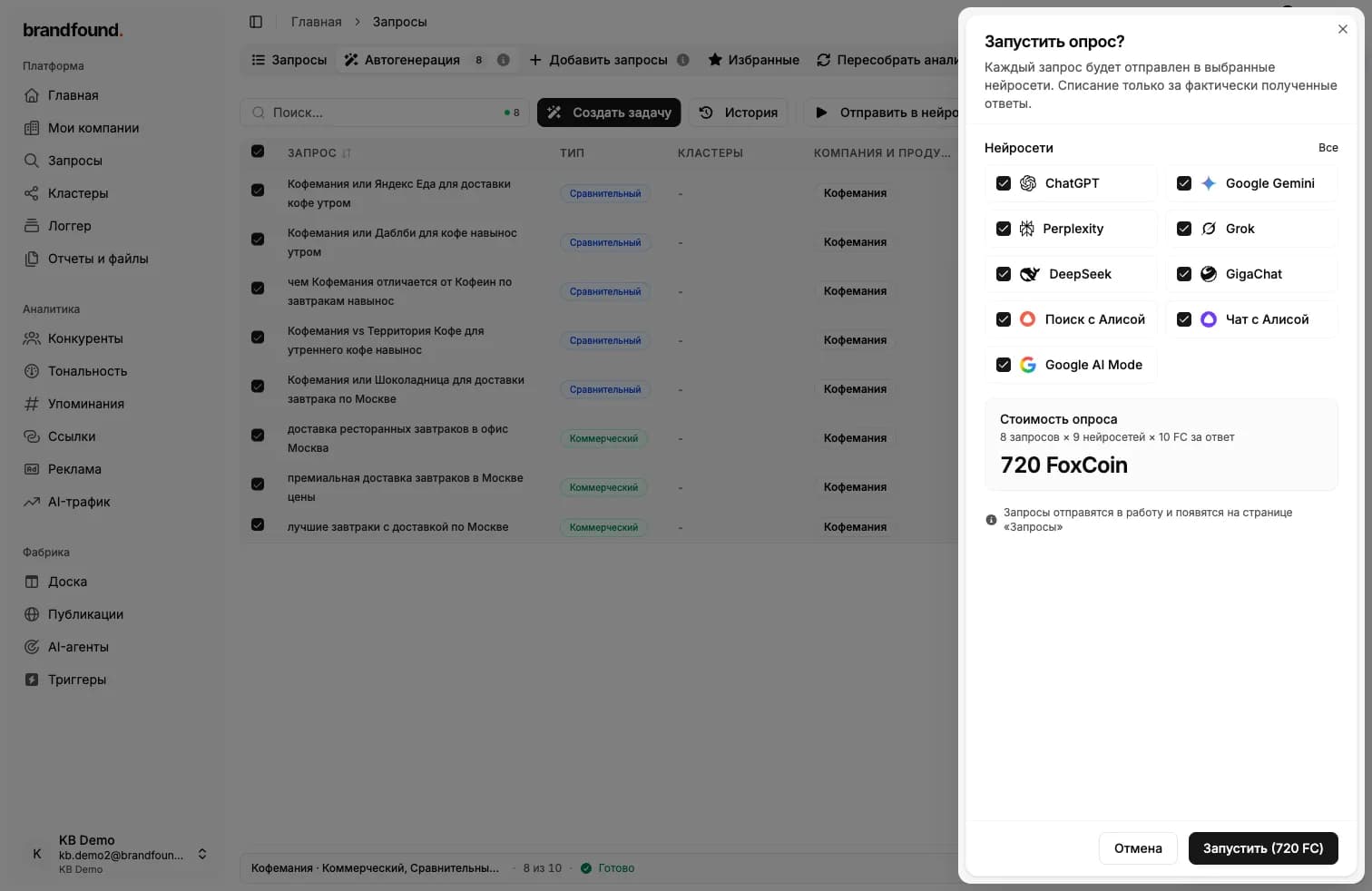
Currently nine AI services are available: ChatGPT, Gemini, Perplexity, Grok, Yandex Alice Search, Yandex Alice Chat, DeepSeek, GigaChat and AI Mode. Which ones are available to you depends on your plan. Unavailable on your plan are marked with a badge, their cards stay in the list for reference.

For each enabled service you set a percentage share: how much of the total traffic to send there. The shares are normalized automatically - you don't need to add up to exactly 100.

Tip on distribution

If the goal is general monitoring, leave equal shares. If a specific channel matters for your audience (say, ChatGPT and Gemini), raise their share to 30-40 percent and keep the rest at 5-10 percent.
AI services tab: nine provider cards with toggles and share sliders.

Query types

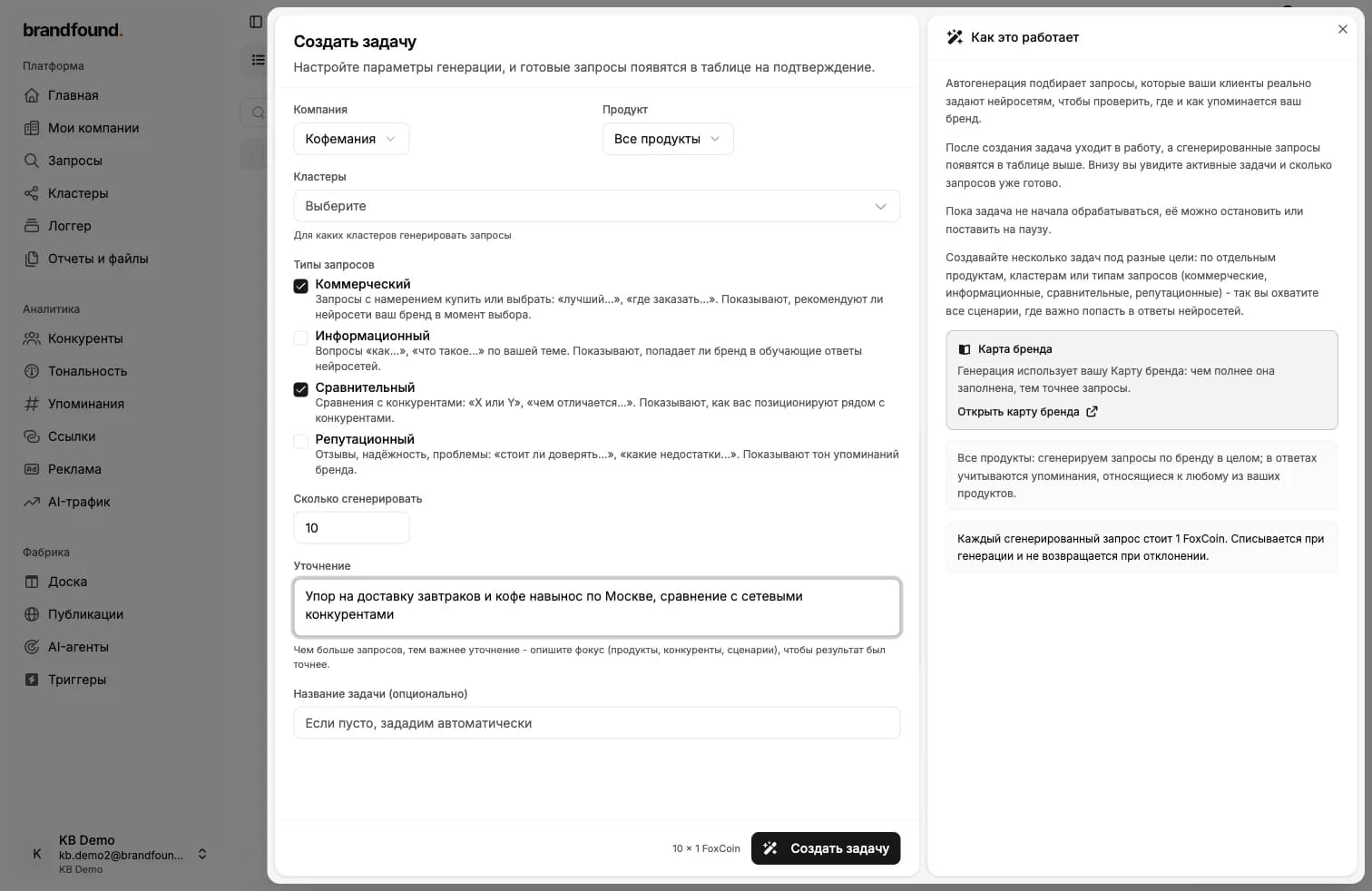
Queries are split into three categories. For each you can set a share and turn the category off entirely.

  • Neutral. Informational queries where your brand is not mentioned. A user asks for the best bank with high deposit rates, and AI decides whom to recommend. This is the most important category: this is how customers who don't know your brand yet find you.
  • Negative. Critical queries about issues: «why brand X has bad service», «is it true that company Y deceives customers». Show how AI reacts to negative information and which sources it pulls. Help spot risks early and work with the sources of negativity.
  • Comparative. Direct comparisons of your brand against competitors: «what's better, X or Y». Reveal which brand AI prefers by tone and argumentation.

Recommended distribution

Best practice for most companies: 85% neutral, 10% negative, 5% comparative. This gives you a natural picture of the market, catches most of the potential risks and leaves room for direct competitor comparison.
Query types tab with sliders for three categories and an estimated query count next to each.

Limits

On the Limits tab you set the daily cap: how many queries auto-generation can spend per day.

Automatic calculation

By default the system calculates the daily limit itself. It takes your plan's monthly limit and divides it by the days remaining in the current billing month. You get an even pace, the quota runs out by the end of the month without spikes.

Custom limit

If you want to control the pace manually, enable the Set custom limit toggle and enter a number of queries per day. For example, 100 - and auto-generation won't spend more than 100 queries per day.

What the limit applies to

This limit only applies to auto-generated queries. Favorite queries and the ones you created manually go separately and don't count toward this counter.

Limits tab with a custom limit toggle and a Queries per day field.

Active auto-generation consumes plan quota

Each generated query draws from your daily and monthly limit. If the quota runs out mid-day, auto-generation pauses and resumes next morning.

Distribution across products

If the company has products, synthetic queries are automatically distributed across them. In analytics this lets you filter by a specific product and see mentions, sentiment and share of voice for it separately.

Didn't find what you need?

Drop us a line - we usually reply within a few hours on weekdays.

Email us